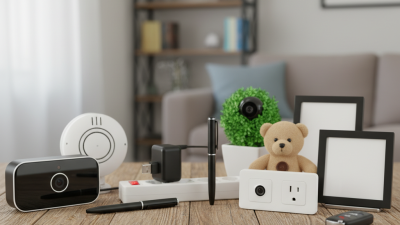
Choosing a Spy Camera for business use requires more than comparing resolution, battery life, or price. The device must support a legitimate purpose, protect people’s dignity, and fit your organization’s privacy obligations. A small camera near a stockroom entrance may help document deliveries, but placing one in a private changing area would be unacceptable.
This guide presents seven practical buying tips for lawful business environments. It considers clear policies, appropriate placement, visible notices, audio settings, secure storage, and responsible access controls. Rules vary by location, industry, and workplace, so consultation with qualified legal or privacy professionals remains important. Manufacturer claims also deserve careful checking. A polished product page is not proof of reliable security.
Think beyond the first day. Test the camera under ordinary lighting, review who can view recordings, and set a limited retention period. Ask whether every recording is necessary. Sometimes, a visible security camera or improved lighting is the better choice. That matters.
Responsible purchasing is not about hiding surveillance. It is about reducing risk while respecting employees, visitors, customers, and the surrounding community. The following tips provide a practical starting point, though each business should review its own policies and local requirements before installation.
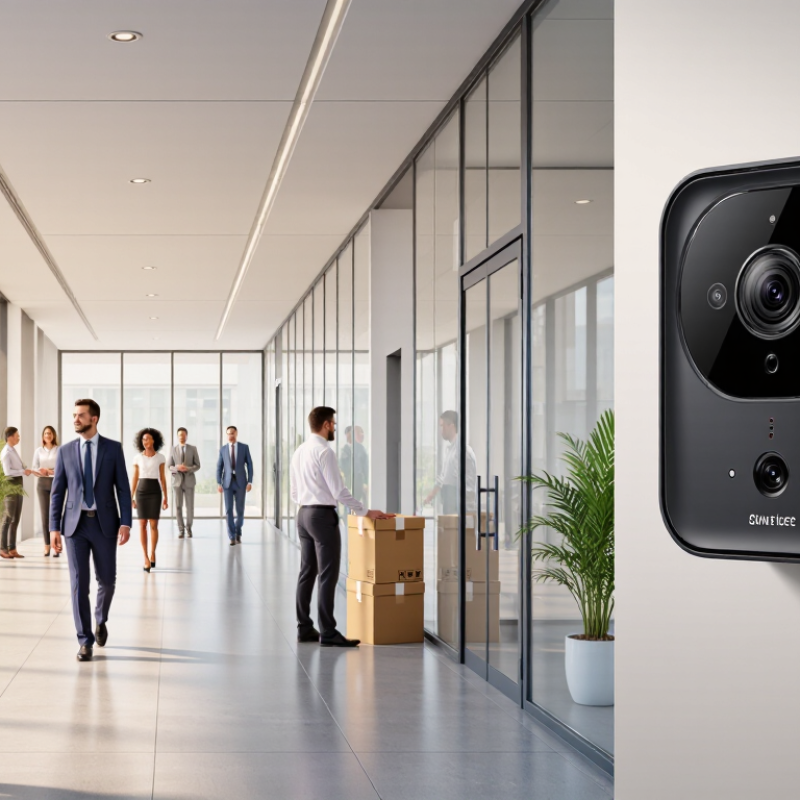
Before buying a spy camera for business, write one lawful purpose in plain language. For example: “Monitor stockroom entrances during operating hours to investigate inventory discrepancies.” Avoid vague goals such as “watch employees.” The purpose should be necessary, proportionate, and limited to a defined area, schedule, and retention period.
A common planning mistake is covering too much space. Do not record restrooms, changing rooms, private offices, or areas where people reasonably expect privacy. Consider disabling audio unless local law clearly permits it. Provide clear notice when required, restrict access to trained personnel, and protect recordings with strong passwords and encryption. The 2024 Data Breach Investigations Report found that human involvement appeared in 68% of breaches, making access controls essential. A 2024 global privacy benchmark study also reported that 94% of organizations view privacy as a business necessity.
Keep footage only as long as the documented purpose requires. Seven days may be enough for a small retail incident; longer storage needs a specific reason. Laws differ across countries, states, and industries, so obtain local legal advice before installation. That step may feel slow. It prevents expensive redesigns later. Review the plan with staff, document approvals, and test the camera’s viewing angle before recording real activity. You may discover that the lens captures a public walkway or a colleague’s desk. That is useful feedback, not a minor detail.
| Tip | Decision Dimension | Practical Guidance | Information to Confirm Before Purchase | Privacy Risk |
|---|---|---|---|---|
| 1 | Lawful business purpose | Define a specific and legitimate purpose, such as protecting inventory, documenting unauthorized access, or monitoring a designated entrance. Avoid broad or indefinite surveillance. | Write down the business reason, the area to be monitored, the expected benefit, and why less intrusive measures would not reasonably achieve the same purpose. | Medium |
| 2 | Physical scope and field of view | Select a camera with the narrowest practical viewing angle. Limit coverage to business-controlled areas and avoid neighboring properties, private spaces, changing areas, restrooms, and areas where privacy is reasonably expected. | Check the lens angle, mounting options, image masking features, motion zones, and whether the camera can be aimed away from unrelated spaces. | High |
| 3 | Audio recording | Disable microphones unless there is a separately reviewed and lawful reason to record sound. Audio can create additional consent, interception, and employment-law concerns that differ by jurisdiction. | Confirm whether the device includes a microphone, whether audio can be permanently disabled, and whether the settings remain disabled after a restart or software update. | High |
| 4 | Notice and transparency | Use clear, visible notices where required and provide an appropriate privacy notice explaining the purpose, monitored areas, retention period, responsible contact, and individual rights where applicable. | Prepare signage and written notices before installation. Confirm local requirements for employees, customers, visitors, contractors, and any cross-border data transfers. | Medium |
| 5 | Employee and visitor boundaries | Do not use hidden surveillance to bypass workplace policies or conceal monitoring in sensitive settings. Apply consistent rules and document the limited circumstances in which footage may be reviewed. | Review employment rules, collective agreements where applicable, internal policies, and any consent or consultation requirements before recording employees or visitors. | High |
| 6 | Storage, retention, and access | Keep recordings only for the shortest period needed for the stated purpose. Restrict access by role, use strong authentication, protect stored data with encryption where available, and maintain an access log. | Check storage location, encryption options, user permissions, deletion controls, automatic overwrite settings, export functions, and whether remote access can be disabled. | Medium |
| 7 | Security, maintenance, and review | Change default passwords, install security updates, secure the network, inspect the camera regularly, and review the monitoring need periodically. Remove the device when the original purpose ends. | Confirm update support, administrator controls, vulnerability notifications, secure configuration options, data-deletion procedures, and a documented review date. | Medium |
7 Spy Camera Buying Tips for Legal Business Use
Privacy rules and consent requirements should guide every purchase. Laws differ by country, state, and industry, so confirm local requirements with qualified counsel. Never place cameras in restrooms, changing areas, or other spaces where people reasonably expect privacy. Audio recording can require separate consent, even when video is permitted. Clear signs, written notices, and documented business purposes reduce confusion. The Cisco 2024 Data Privacy Benchmark Report found that 94% of organizations believe customers would avoid companies that fail to protect personal data. A camera system must protect footage, not merely collect it.
Tips: Choose visible equipment when possible. Create a short workplace policy before installation. State who may view recordings, why footage is collected, and how long it stays. Get written consent where required, especially from employees, contractors, and visitors. Check union agreements and employee handbooks too. Restrict access with individual accounts, strong passwords, and audit logs. The Verizon 2024 Data Breach Investigations Report found that the human element appeared in 68% of breaches, making careless access a realistic risk. Store footage securely and delete it on a documented schedule.
A practical test helps: Could an employee understand the camera’s purpose without guessing? If not, the policy is incomplete. I would also question “just in case” recording. It sounds convenient, but broad collection can create unnecessary privacy exposure. Retention periods deserve regular review, because yesterday’s useful footage may become tomorrow’s liability.
Before purchasing a workplace camera, verify privacy rules, consent requirements, recording controls, retention limits, access security, and internal policies. The chart shows how many of four reference privacy frameworks address each safeguard: the EU GDPR, UK workplace-monitoring guidance, Canada’s PIPEDA, and California privacy law.
A higher score means the safeguard is addressed across more of the selected reference frameworks. Requirements vary by location, workplace setting, audio recording, employee expectations of privacy, and the purpose of monitoring. Obtain local legal advice before deployment.
Reference sources: EU GDPR, UK workplace monitoring guidance, Canada PIPEDA, California privacy law.
For legal business use, a spy camera should support transparent monitoring, not hidden control. Choose models with visible recording indicators, clear signage options, and privacy zones that block offices, changing areas, or personal workspaces. Disable audio unless it is genuinely necessary and properly authorized. Many businesses overlook this setting.
The 2024 Cisco Data Privacy Benchmark Study found that 94% of organizations believe customers will not buy from companies that fail to protect data. Camera footage deserves the same care. Select encryption during storage and transmission, role-based access, strong authentication, and audit logs showing who viewed or exported footage. Set short retention periods, then delete recordings automatically. The 2024 IBM Cost of a Data Breach Report placed the global average breach cost at $4.88 million, making weak video security an expensive oversight.
Prioritize clear image quality over excessive resolution. A camera should capture a doorway, badge, or delivery label without recording unnecessary areas. Test the angle during daylight and after dark. Blind spots remain possible. That is worth admitting. Choose systems with adjustable fields of view, tamper alerts, and documented software updates. Review access permissions monthly, and explain the monitoring purpose to employees and visitors in plain language. Monitoring becomes more trustworthy when people can understand what is recorded, why it is retained, and who can access it.
A business camera should support safety without creating a hidden privacy problem. In practice, placement matters more than image resolution. Aim at entrances, stock areas, or equipment rooms, not private spaces. Keep the lens away from desks where confidential documents may appear. A visible notice can explain the purpose, recording area, and contact person. It may feel less discreet, but trust is usually worth more.
Check reflections, low light, sound pickup, and blind spots. Test the view from a normal employee’s height. A camera that covers everything may still capture too much. Reconsider the angle.
Use clear signage where required, limit access to authorized staff, and document who reviews footage. Choose strong account controls, encrypted storage, and automatic security updates. Disable audio unless there is a documented business need and lawful approval. Small oversights can expose private conversations.
Delete footage automatically when it is no longer necessary. Keep an access log and review it regularly. Before installation, confirm local privacy and employment requirements with qualified legal counsel. Rules differ between regions, and a reasonable setup can still need adjustment. A written review process helps correct mistakes early.
For legal business use, a small camera is only one part of the process. The written procedure matters more. Define its purpose, approved locations, recording hours, and responsible staff member. State what the camera cannot record, such as private changing areas or personal conversations without proper authorization. Keep the policy plain. Employees should understand it during training, not discover it after an incident. In practice, place a short notice at entrances and explain the reason in accessible language. Clear communication reduces suspicion and supports informed workplace decisions.
Create a usage log before installation. Record the device location, date, operator, review reason, and exported files. Limit access through individual accounts, strong passwords, and documented permissions. Never allow casual browsing. Store footage for a defined period based on business needs and applicable privacy requirements, then delete it securely. If an incident requires preservation, note who approved the hold and when it ends. A simple paper or digital form can expose gaps quickly.
Review compliance every quarter, and after any complaint, system change, or new business activity. Check notices, access records, retention settings, and staff training. Ask an independent privacy or legal professional to test the procedure when risks are unclear. Our first policy was too general; it did not explain who could review footage. That weakness was easy to miss. Document the correction, assign an owner, and record the review date. Some procedures will need revision. That is normal, and ignoring it is not.